
The advertising system
Create and place adverts in Goodnews using the built-in ads post type.
Goodnews manages advertising as its own content type, separate from posts and widgets, so you can create an ad once and place it in any of the theme's ad locations.
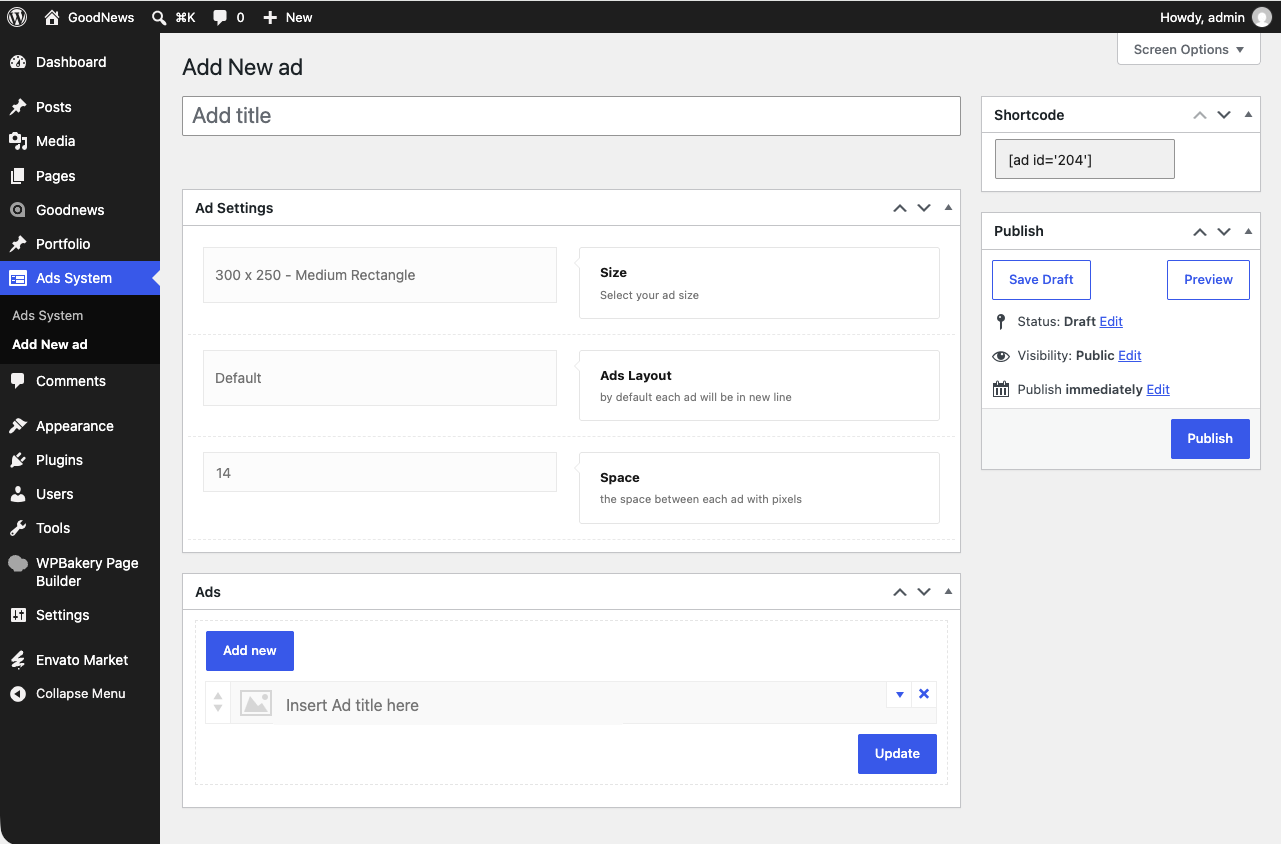
Creating an ad
- In your dashboard, go to Ads System → Add New ad.
- Give the ad a title.
- Add the ad's image or code, and set where it should appear.
- Publish.
Where ads appear
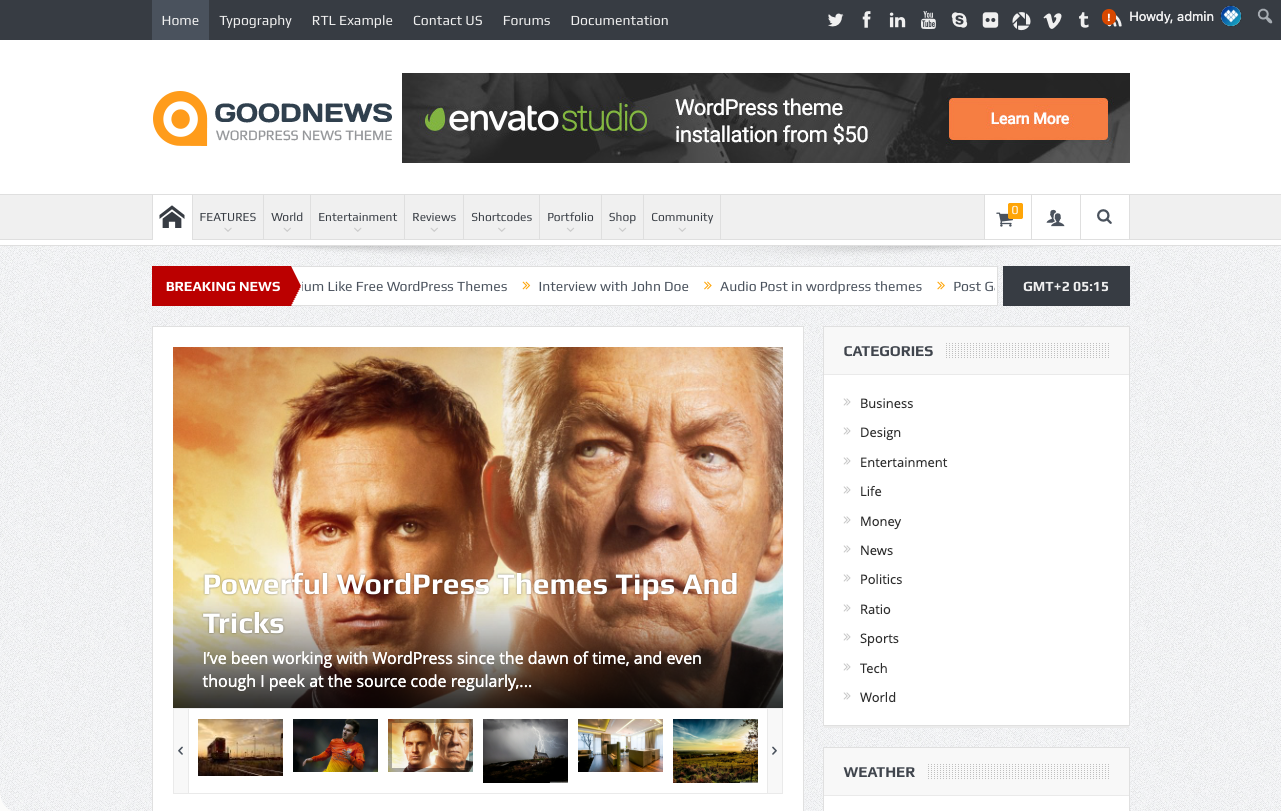
Goodnews has several built-in ad positions — including in the header, in the sidebar, and between posts in a listing. Once an ad is published and assigned to a position, it renders there automatically.
Related
See The theme options panel for site-wide advertising settings, such as disabling ads entirely.