
Importing the demo content
Import the Goodnews demo posts, pages, images, menus and widgets from the theme package.
Goodnews includes a one-click demo importer that fills a fresh install with the same posts, pages, images, menus and widgets shown in the demo. The demo content is inside the theme package itself — importing it does not contact any external server.
What gets imported
Pressing Install imports:
- posts, pages and their images
- categories, tags and menus
- widgets, and the sidebars they belong to
- theme options
- comments
- user accounts for the demo's authors
Running the import
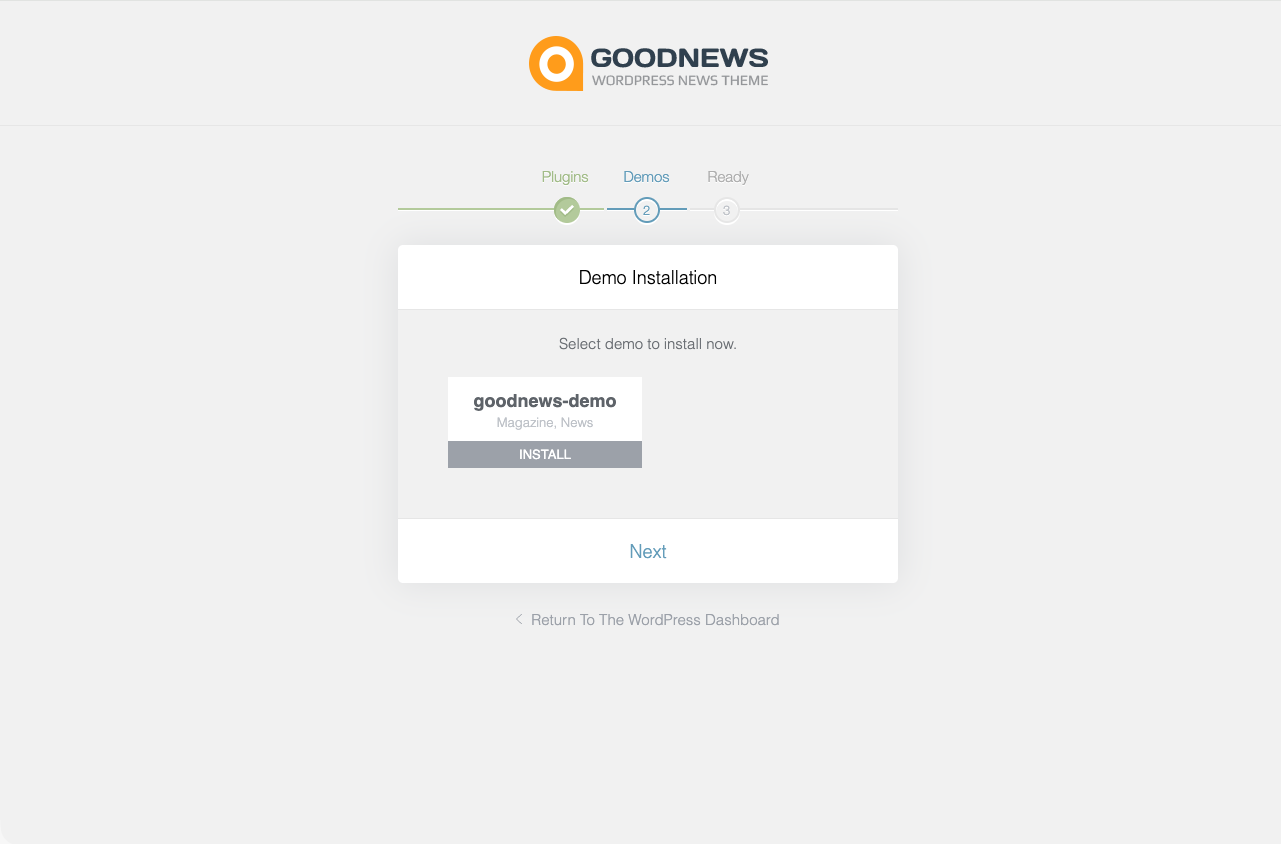
- In your WordPress dashboard, go to Goodnews → Install demos.
- Click Install on the demo card.
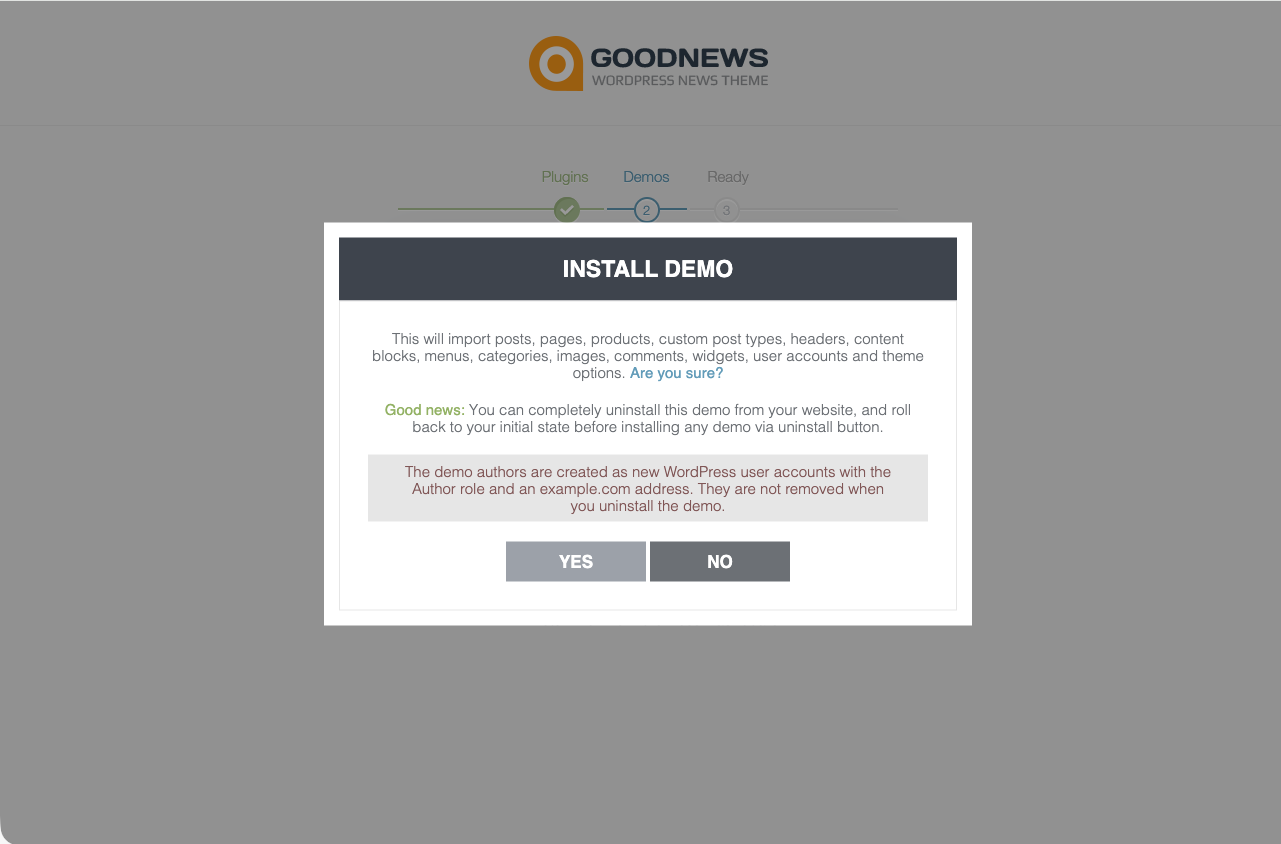
- A confirmation dialog lists what the import will add. Read it, then confirm.
- The import takes roughly a minute. There is no progress percentage — watch the card; it fills in as media is imported.
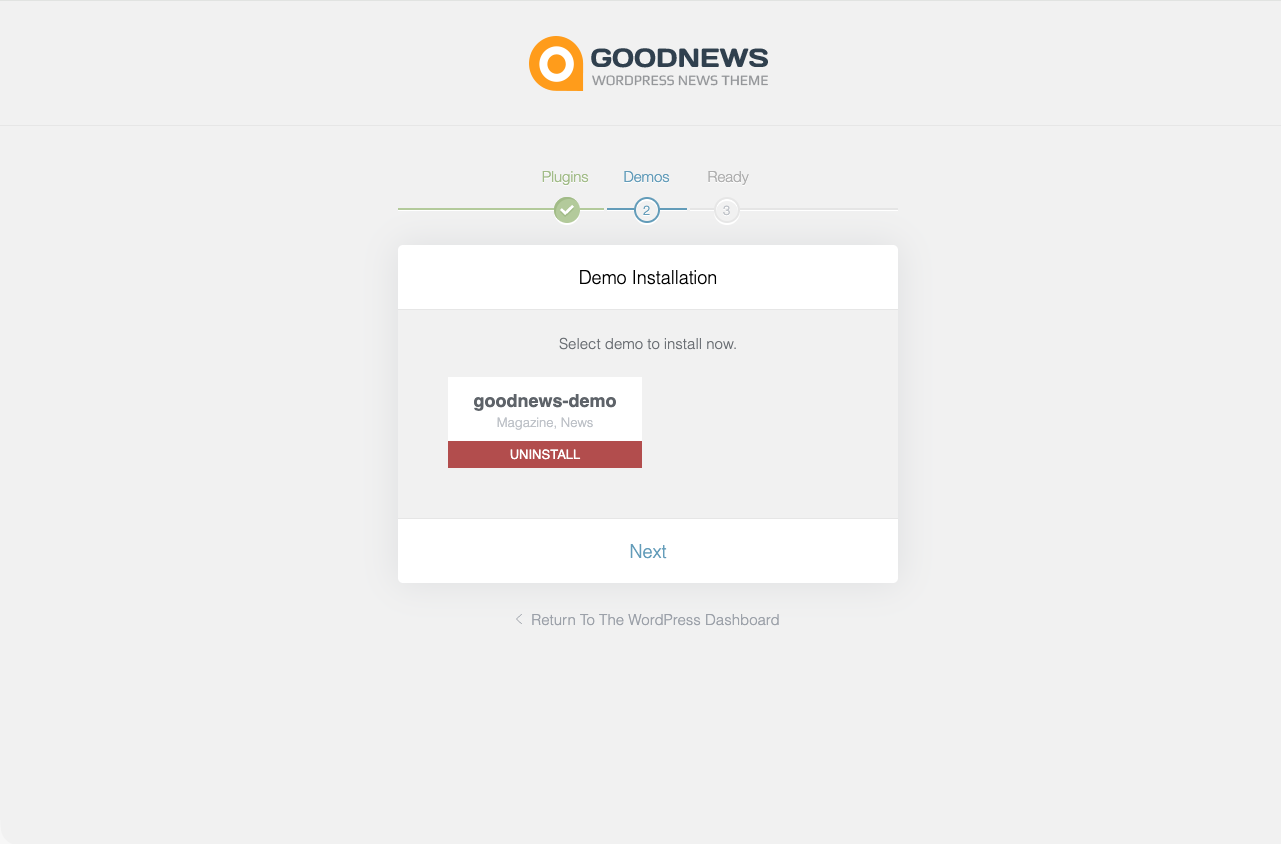
- When it finishes, the card shows a green Installed badge and a message stating how many media files were imported. The button changes from Install to Uninstall.
Uninstalling the demo
Clicking Uninstall on an installed demo removes the posts, pages, menus and widgets it added.
After importing
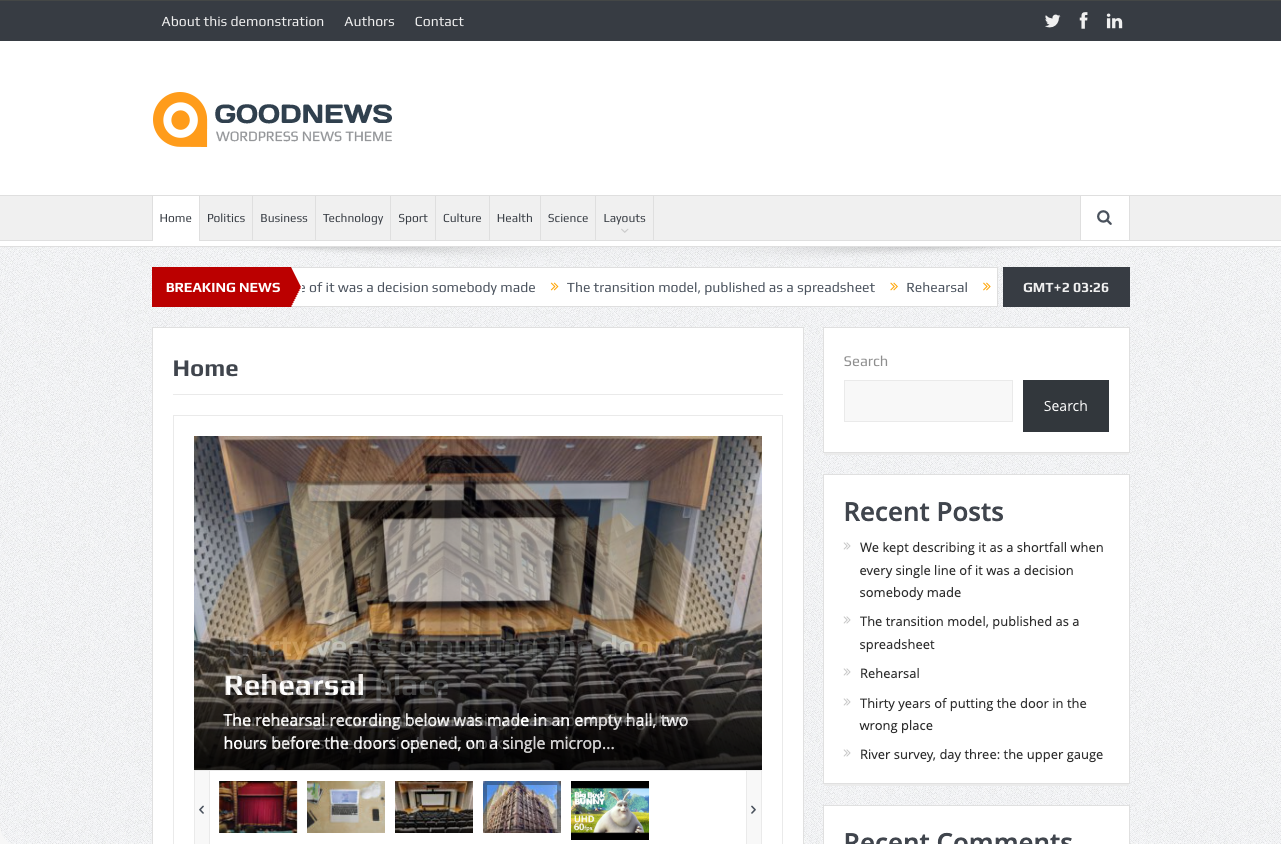
The imported content uses the theme's default layout settings. See Building the home page to set which page displays as your site's front page, and The theme options panel for everything else you can adjust.