
Using shortcodes
Insert Goodnews shortcodes from the editor and set their options.
Goodnews includes a large set of shortcodes — content blocks like tabs, accordions, icon boxes, dividers, and news grids — inserted through a visual dialog rather than typed by hand.
Inserting a shortcode
- Open the post or page editor.
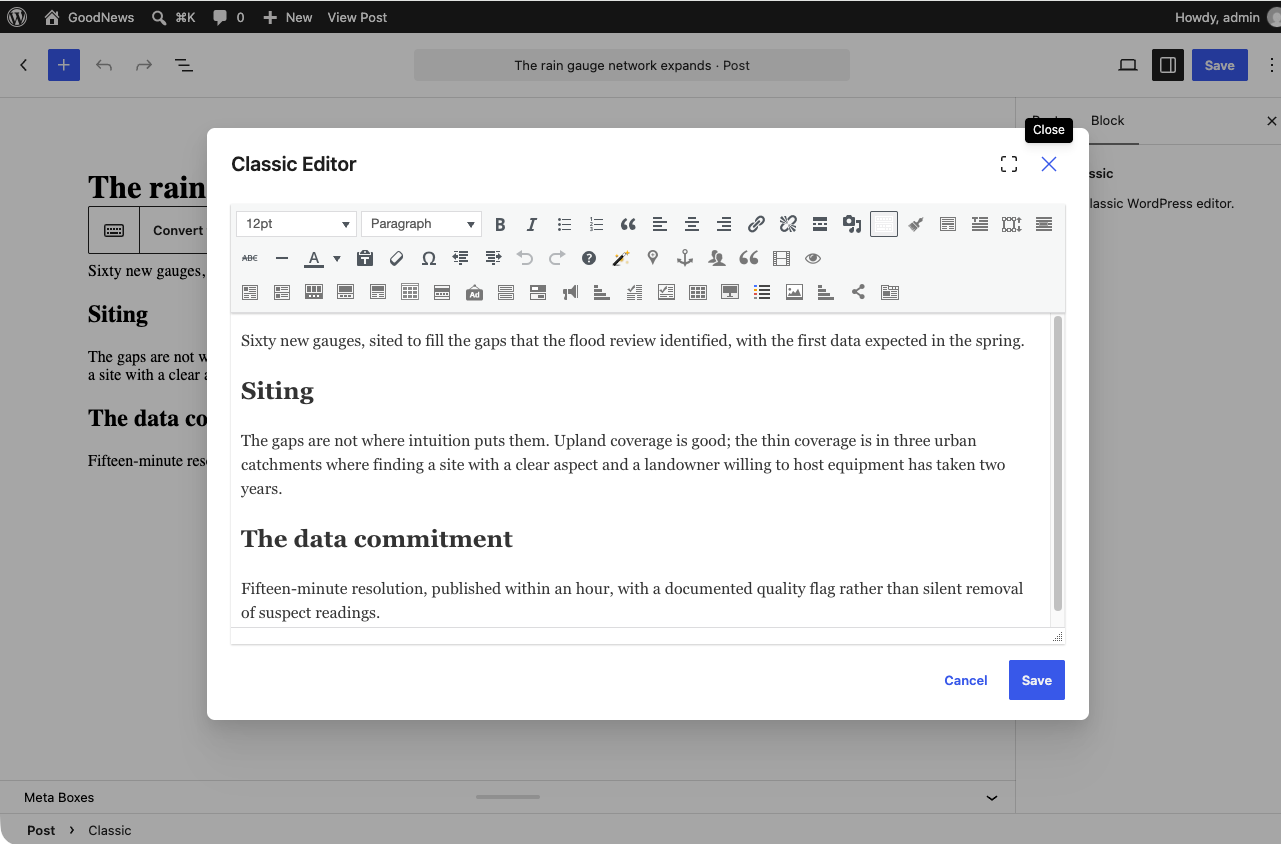
- Click the Goodnews shortcodes button in the editor toolbar.
- Choose a shortcode from the list.
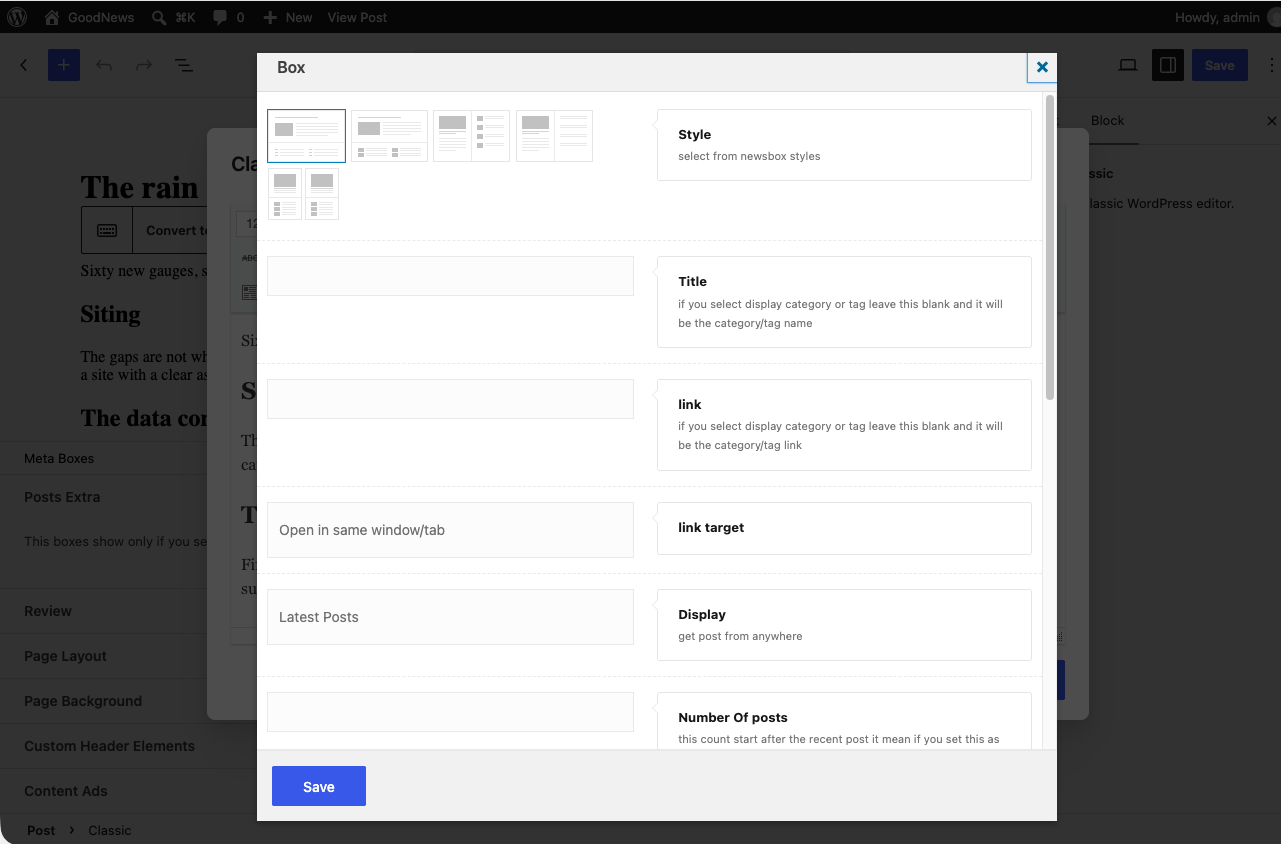
- A dialog opens with the options for that specific shortcode — set them and click Insert.
Editing a shortcode after inserting it
Click into the shortcode's placeholder in the editor and use the same toolbar button to reopen its options dialog, rather than editing the shortcode text directly.
Related
See Building the home page for how shortcodes combine into a full page layout, and Portfolio items and pages or The advertising system for two shortcodes with their own dedicated pages.