
The theme options panel
Where Goodnews settings live, how they are grouped, and how saving them works.
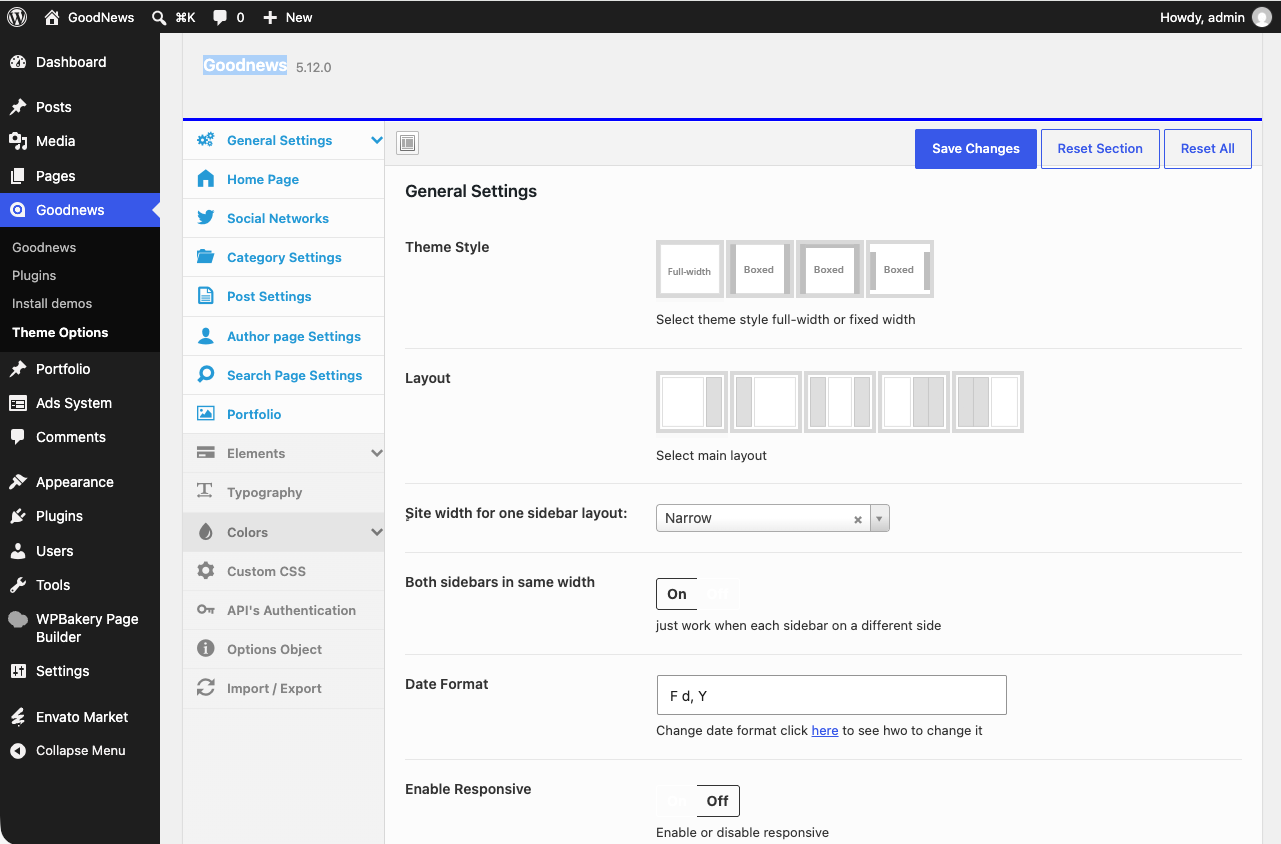
Most site-wide Goodnews settings live in one place: Goodnews → Theme Options in your dashboard.
Finding your way around
The panel is organized into sections, listed down the left — general settings, header, layout, colors and typography, social networks, and more. Click a section to jump to it; you do not need to scroll through every setting at once.
Saving
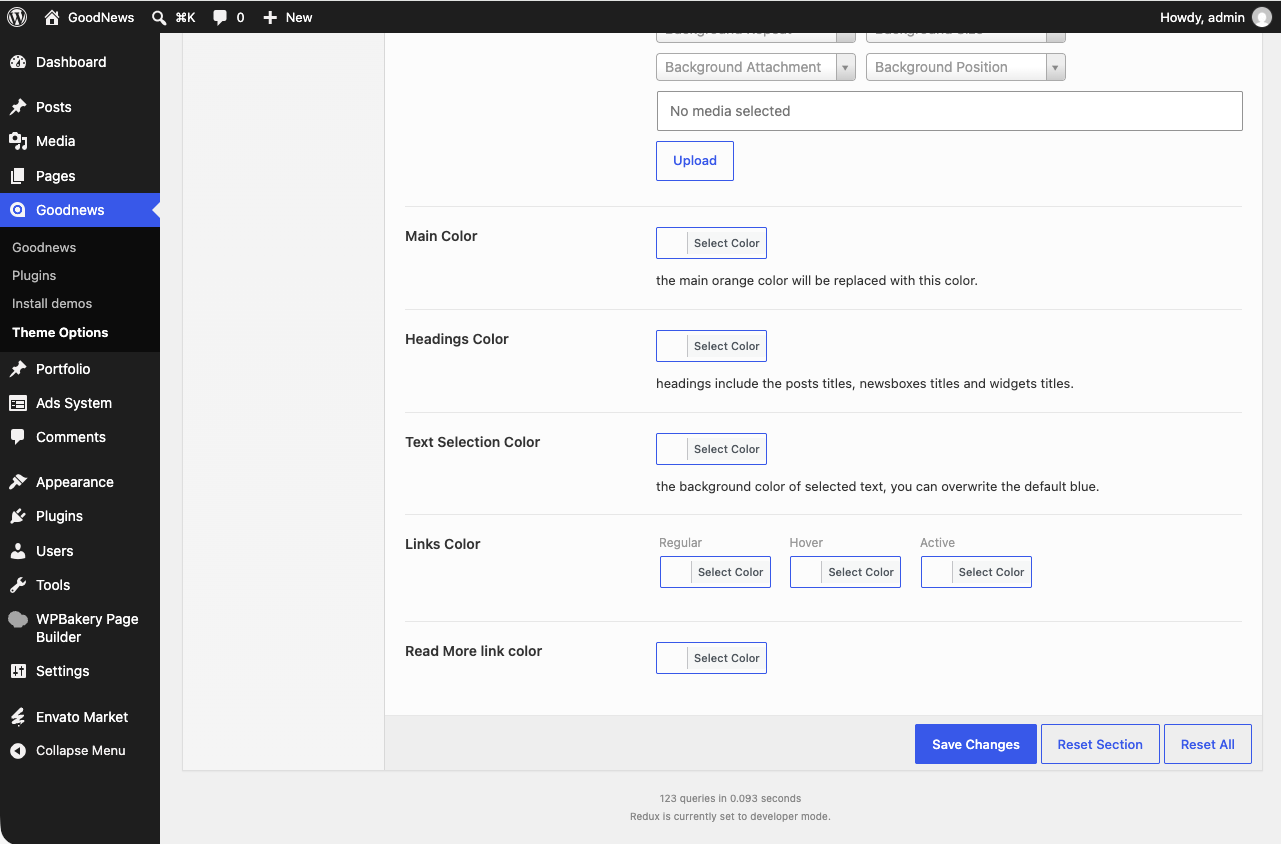
Click Save Changes at the bottom of the panel. Changes take effect immediately across the site — Goodnews clears its internal cache as part of saving, so you do not need to clear any cache yourself afterward.
Related
Several settings groups have their own dedicated pages with more detail: Header and menus, Site and page layouts, and Connecting external services.