
Portfolio items and pages
Add portfolio items, group them by category and display them on a portfolio page.
Goodnews includes a Portfolio content type, separate from posts and pages, for showcasing work — projects, case studies, or any content best displayed as a filterable grid.
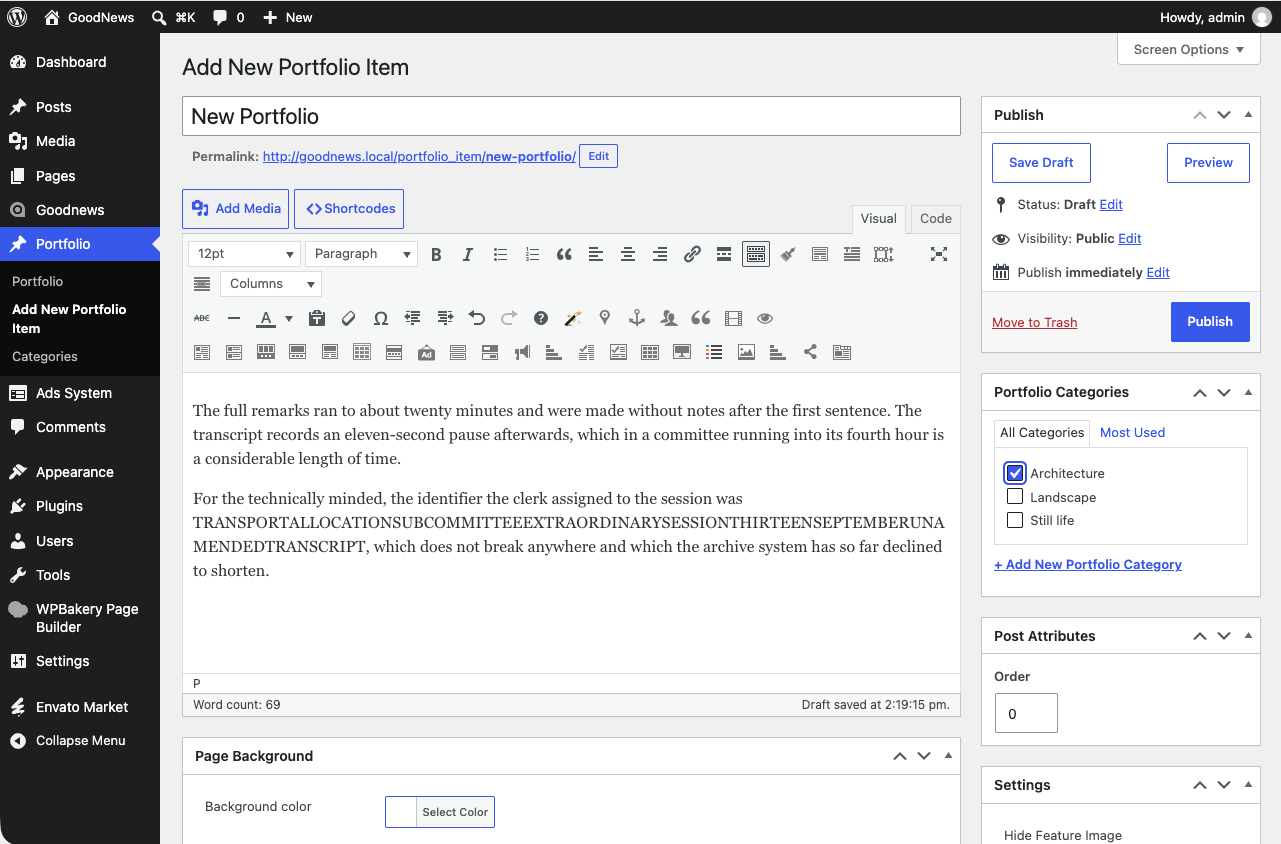
Adding a portfolio item
- In your dashboard, go to Portfolio → Add New.
- Give the item a title and content, as you would a normal post.
- Assign one or more portfolio categories so it can be filtered.
- Set a featured image — this is what shows in the grid.
- Publish.
Displaying a portfolio page
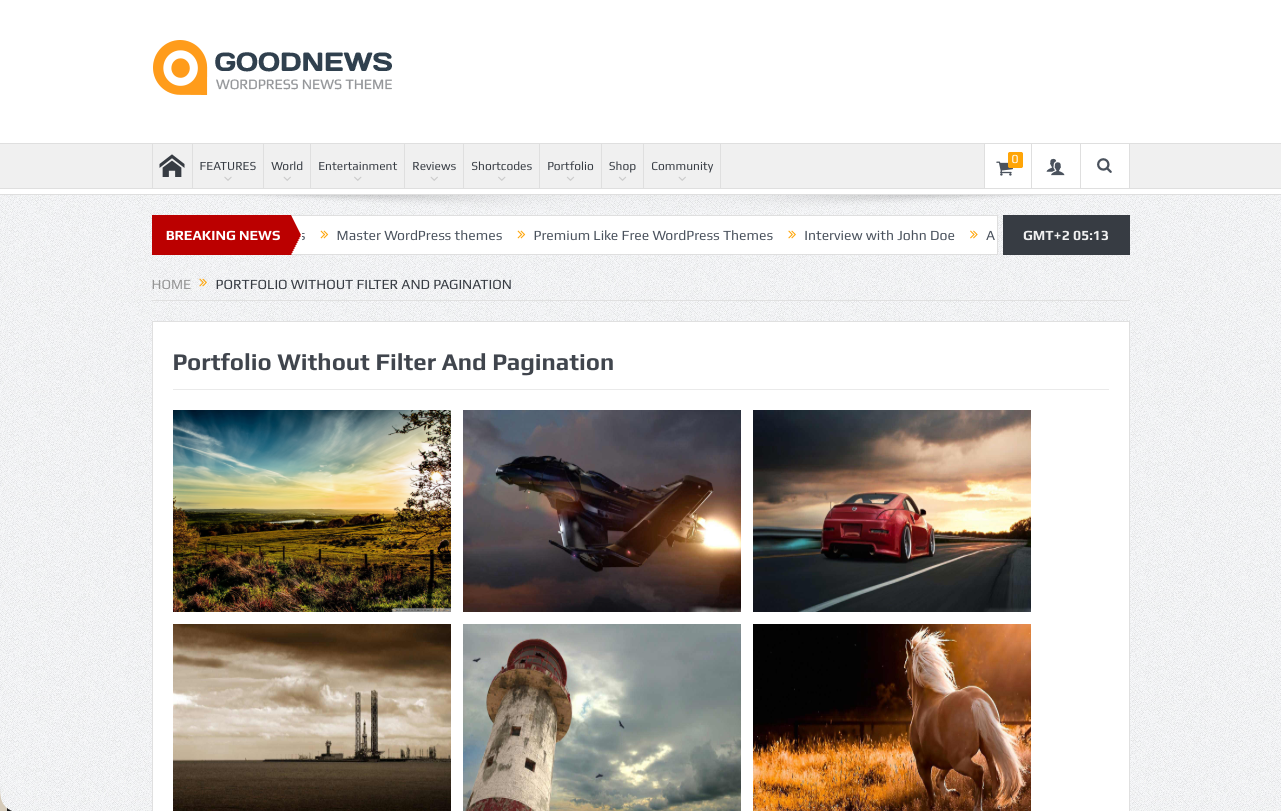
Add the [portfolio] shortcode to any page to display a filterable grid of your portfolio items. Visitors can filter the grid by category without leaving the page.
Related
See Shortcodes for how the [portfolio] shortcode's dialog works, and Building the home page if you want to feature portfolio items outside a dedicated page.