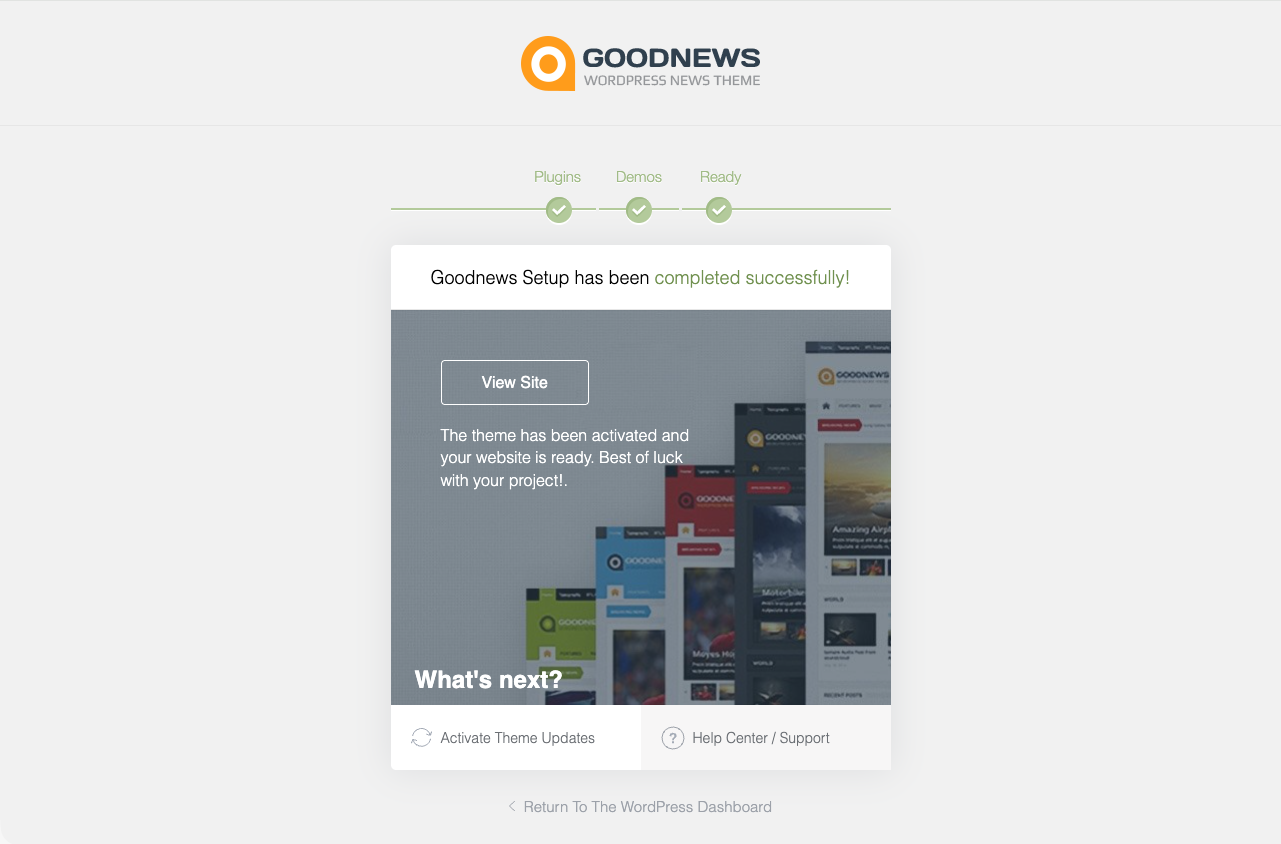
Using the setup wizard
Run the Goodnews setup wizard to install plugins and demo content after activation.
Goodnews includes a setup wizard that walks through installing the bundled plugins and importing demo content in one guided flow. It is the fastest way to get a working site after activation.
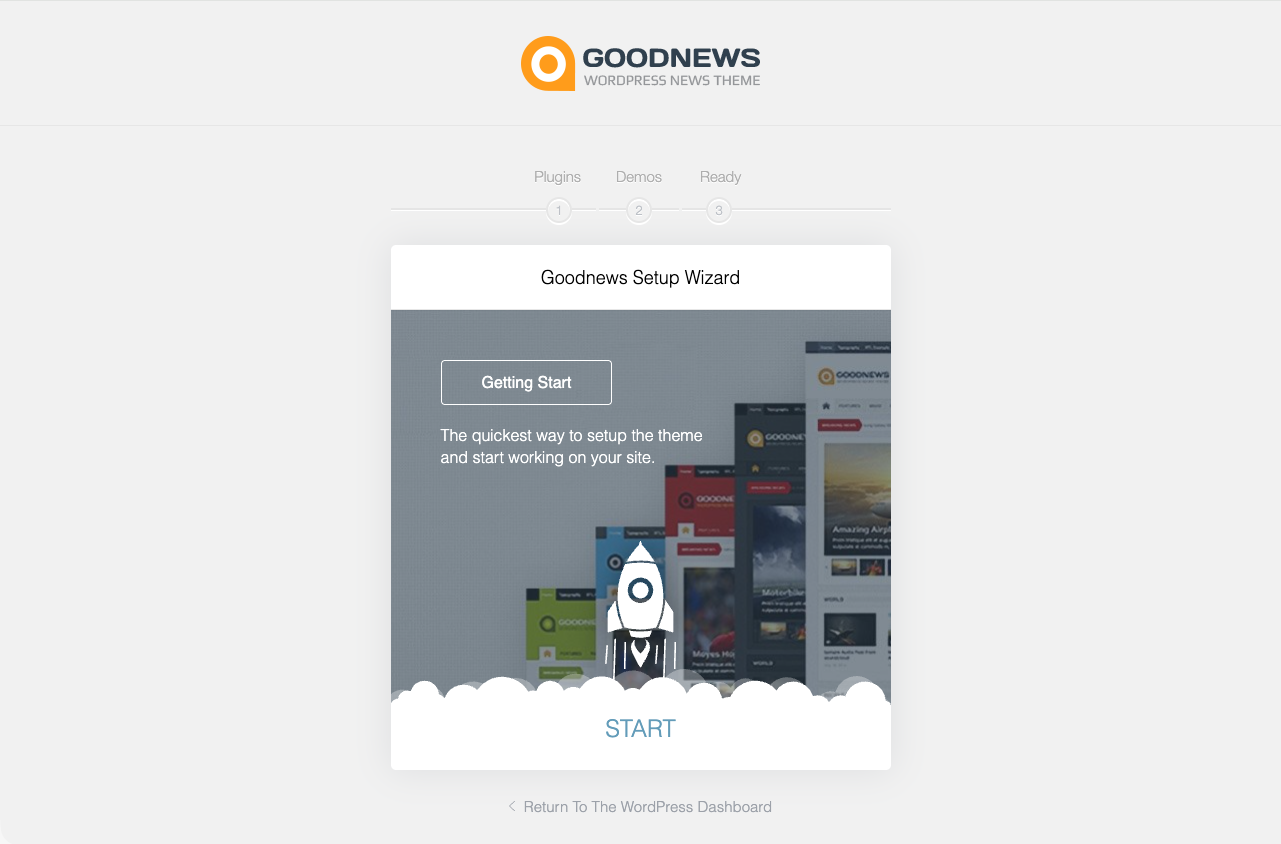
Starting the wizard
Go to Appearance → Setup wizard, or follow the prompt that appears after you first activate the theme.
The steps
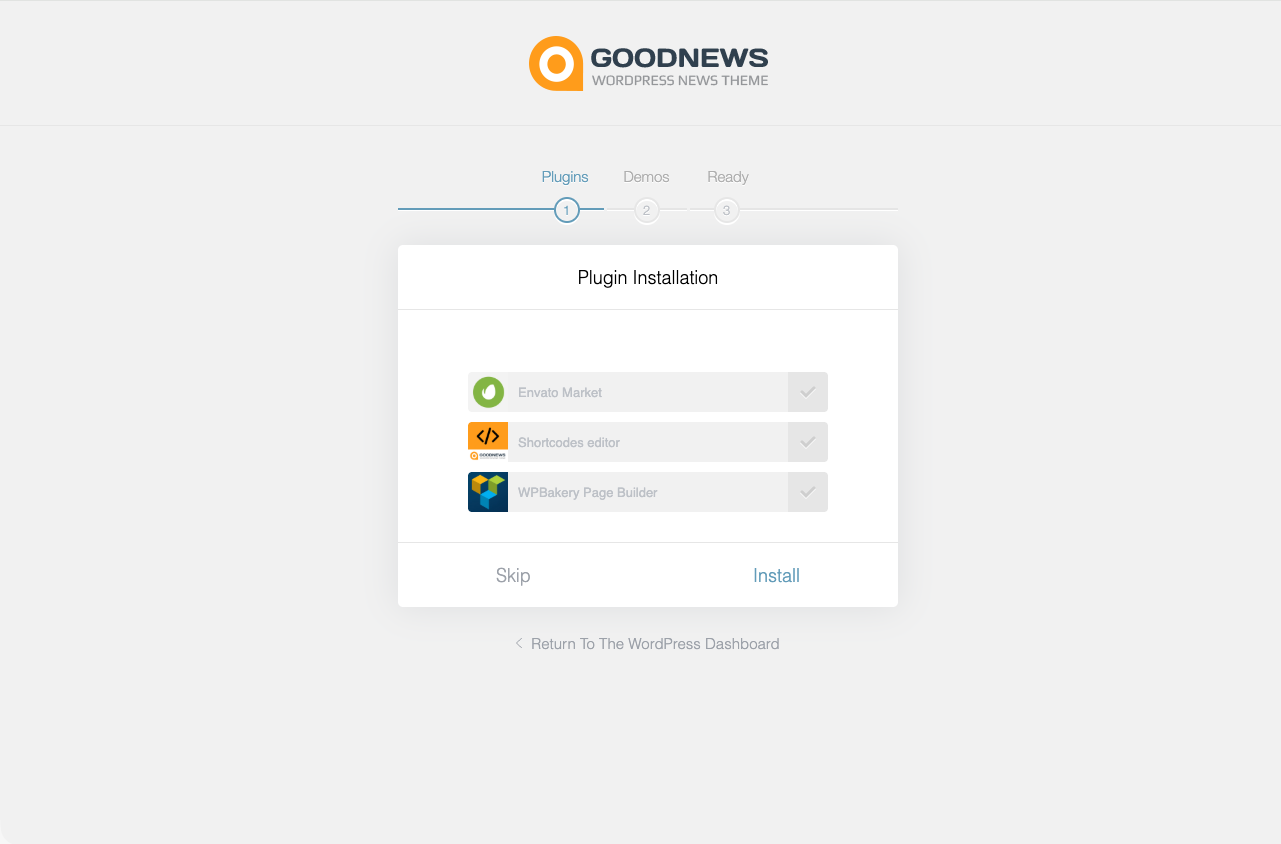
1. Plugins. Select and install the bundled plugins. See Installing the bundled plugins for what each one is for.
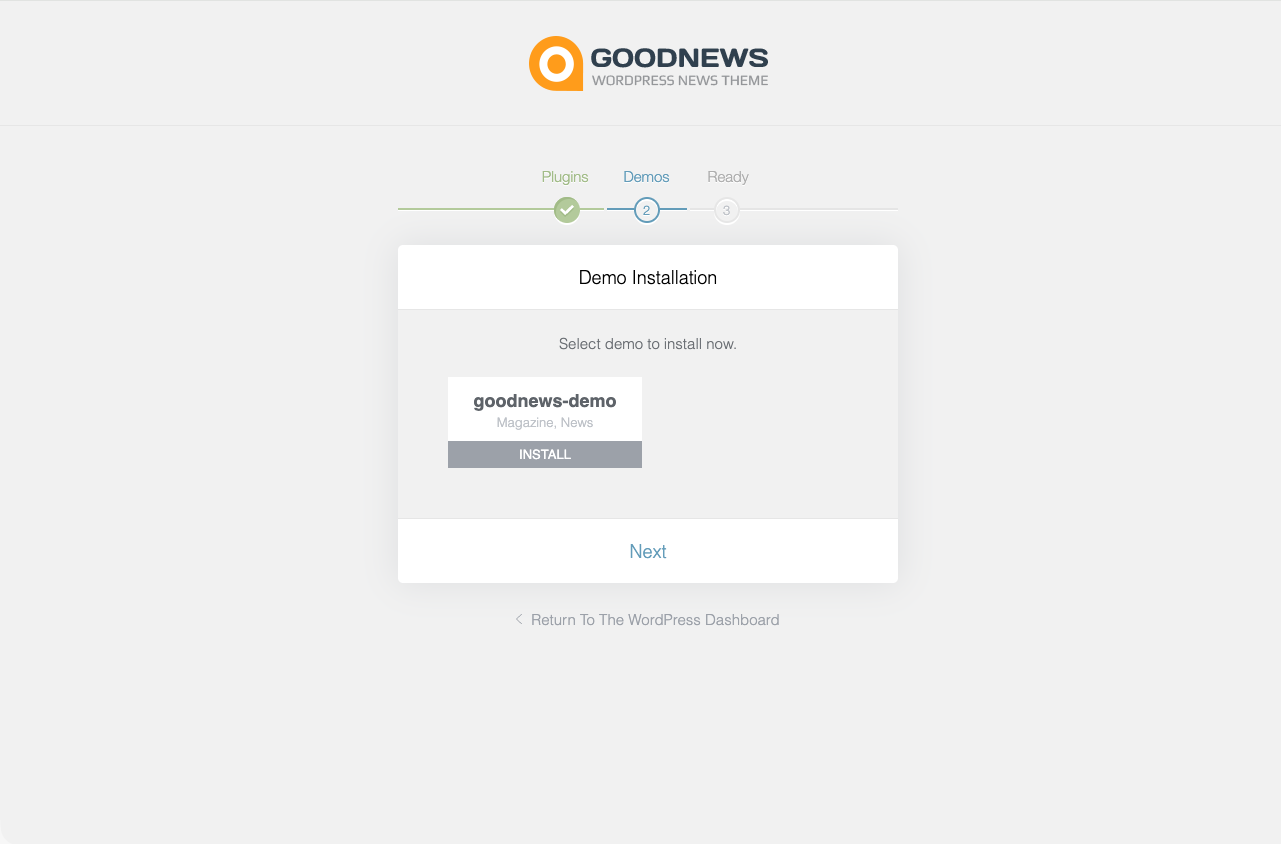
2. Demo content. Import the demo. See Importing the demo content for what this adds and how long it takes.
3. Ready. A final confirmation screen, with a link to your new site and to the theme options panel.