
Creating custom sidebars
Create named sidebars in Goodnews and assign them to individual pages and posts.
Beyond the theme's default sidebar, Goodnews lets you create any number of named custom sidebars, each with its own widgets, and assign them to specific pages or posts.
Creating a sidebar
- Go to Appearance → Custom Sidebars.
- Enter a name for the new sidebar.
- Click to create it.
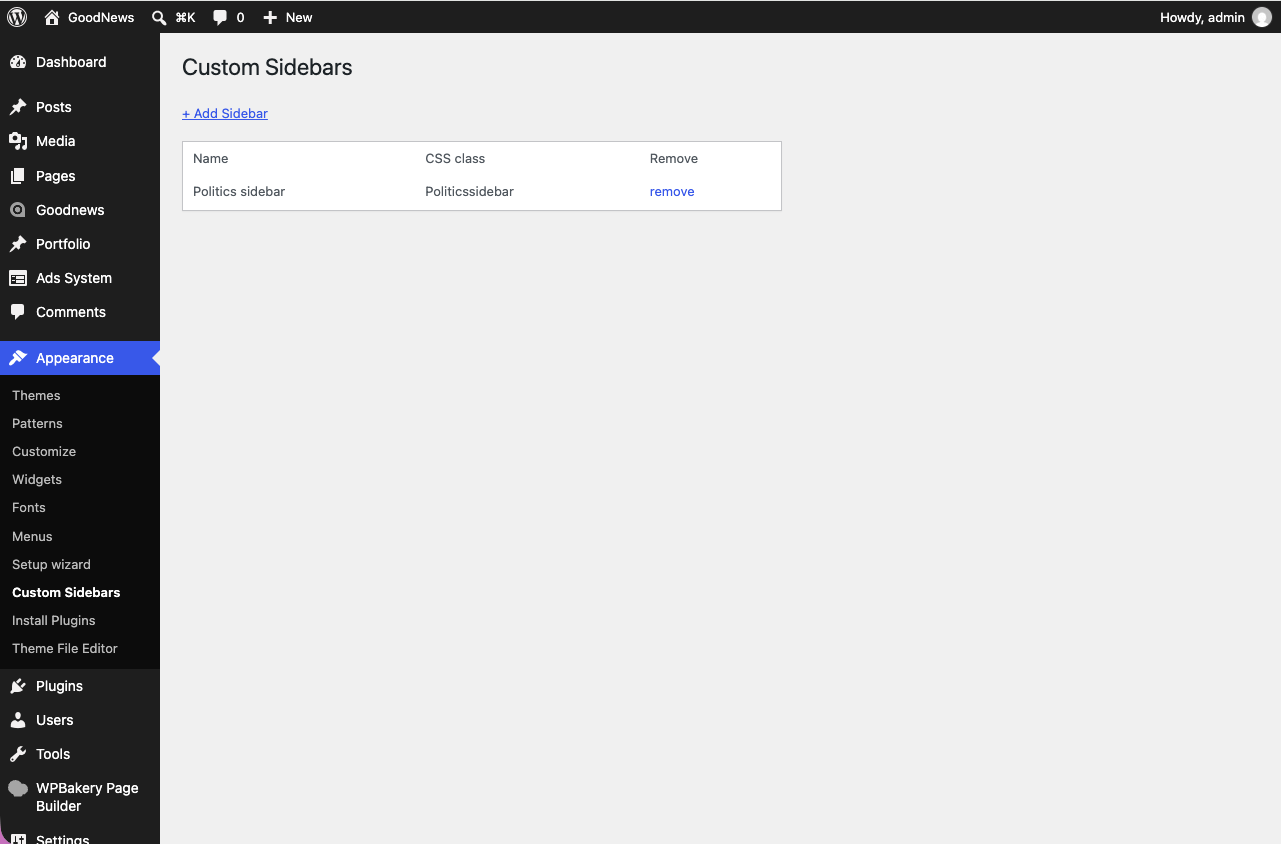
Your new sidebar appears on the Appearance → Widgets screen, where you add widgets to it the same way as any other widget area.
Assigning it to content
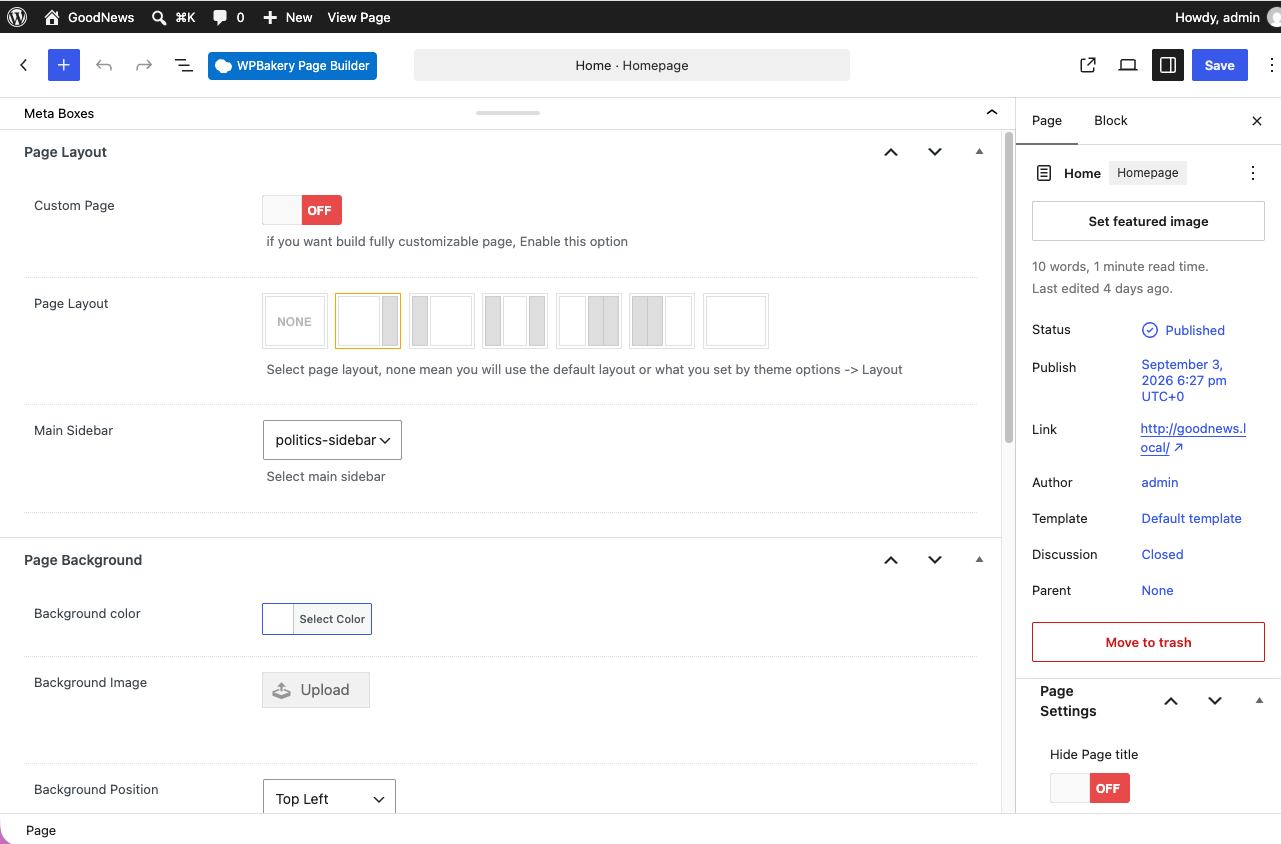
- Open the page or post editor.
- In the Page Layout box, select your custom sidebar instead of the default.
- Update or publish.
Related
See Site and page layouts for the rest of the per-page layout options.