
Video, audio, gallery and chat posts
Create the post formats Goodnews supports and supply the media each one needs.
Goodnews supports five WordPress post formats beyond the standard post: image, video, audio, gallery, and chat. Each one changes how the post displays and, for most of them, adds a field for the media it needs.
Setting a post's format
- Open the post editor.
- In the sidebar, find the Format panel and choose a format.
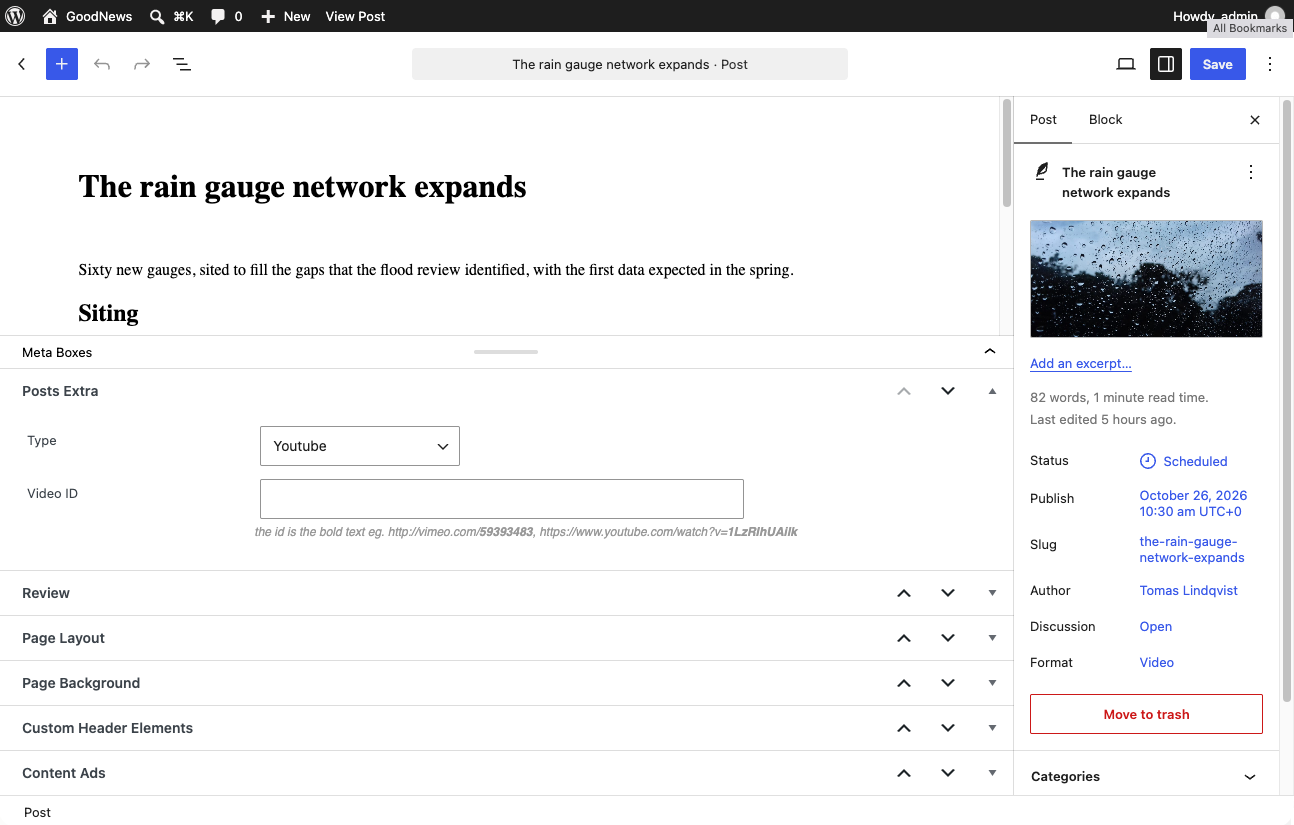
- Fill in the fields that appear for that format — see below.
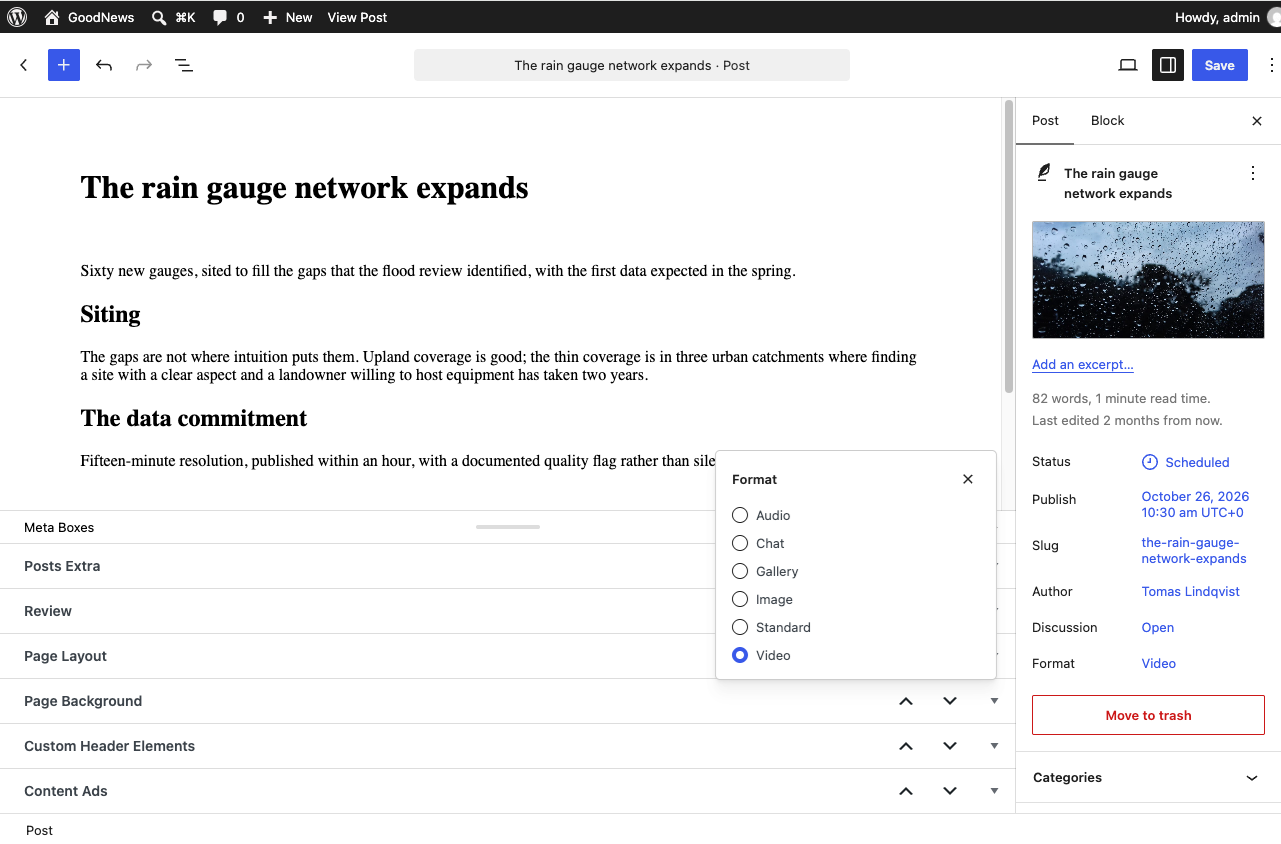
Video posts
Choose the Video format, then supply a video. Goodnews supports YouTube, Vimeo, Dailymotion, and Facebook links, embedded directly rather than uploaded as a file, plus a self-hosted option for uploading a video file directly.
Audio posts
Choose the Audio format and supply an audio source. Goodnews's audio post styling is built to work with SoundCloud.
Gallery posts
Choose the Gallery format and add a WordPress gallery block to the post content. Goodnews displays it as a slideshow gallery rather than a static grid.
Chat posts
Choose the Chat format for a conversation-style layout — useful for interviews or messaging-style content. Two optional fields appear alongside the chat itself: Top content, rendered above it, and Bottom content, rendered below it — use them for an introduction or a closing note without editing the chat content itself.
Image posts
Choose the Image format for a post that is primarily about a single image. This is separate from setting a normal featured image, which any post format can have.
Related
See Building the home page for how different post formats display in the home page's news layouts, and The review system to combine a post format with a review.