
Missing stylesheet on install
Fix the broken-theme or missing-stylesheet error when installing the Goodnews ZIP.
WordPress shows a "broken theme" or "The theme is missing the style.css stylesheet" error most often because of what file was uploaded, not a problem with the theme itself.
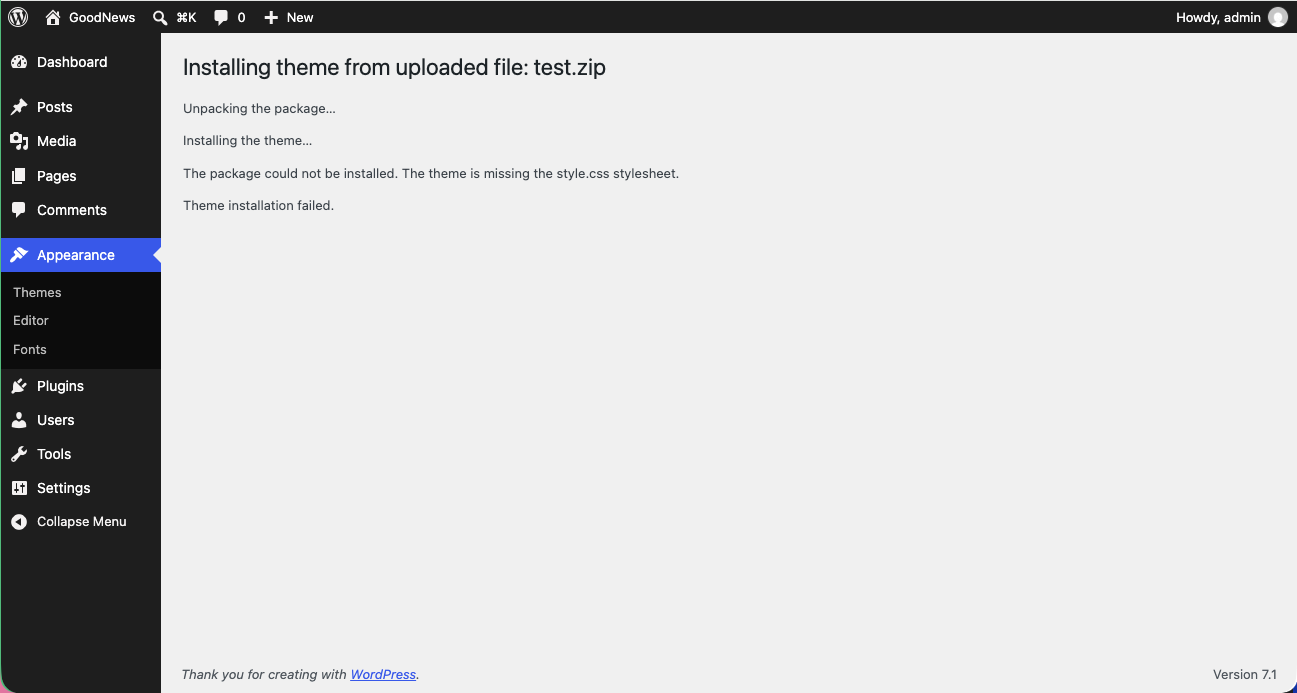
The most common cause
The dashboard's Upload Theme button expects a single ZIP file containing the theme. If you unzip goodnews5.zip on your computer first and then try to upload the resulting folder — or a ZIP of that folder's contents rather than the folder itself — WordPress cannot find style.css where it expects it.
Fix: upload goodnews5.zip exactly as downloaded, without unzipping it first. See Installing the theme.
If you are installing over FTP
Make sure the folder structure on your server is wp-content/themes/goodnews5/style.css, not an extra folder level such as wp-content/themes/goodnews5-zip/goodnews5/style.css. Unzipping into the wrong location is the FTP equivalent of the same mistake.
If the ZIP file itself is the problem
Re-download goodnews5.zip from your ThemeForest downloads page. A partial or corrupted download during a slow or interrupted connection can produce a ZIP that looks complete but fails to install correctly.