
Using a child theme
Create a Goodnews child theme so your changes survive every theme update.
Goodnews does not ship a child theme, but WordPress's standard child theme mechanism works with it. If you plan to edit any PHP file, or add more than a small amount of CSS, do it in a child theme rather than editing goodnews5 directly.
Create the child theme
- On your computer, create a new folder, for example
goodnews5-child. - Inside it, create a file named
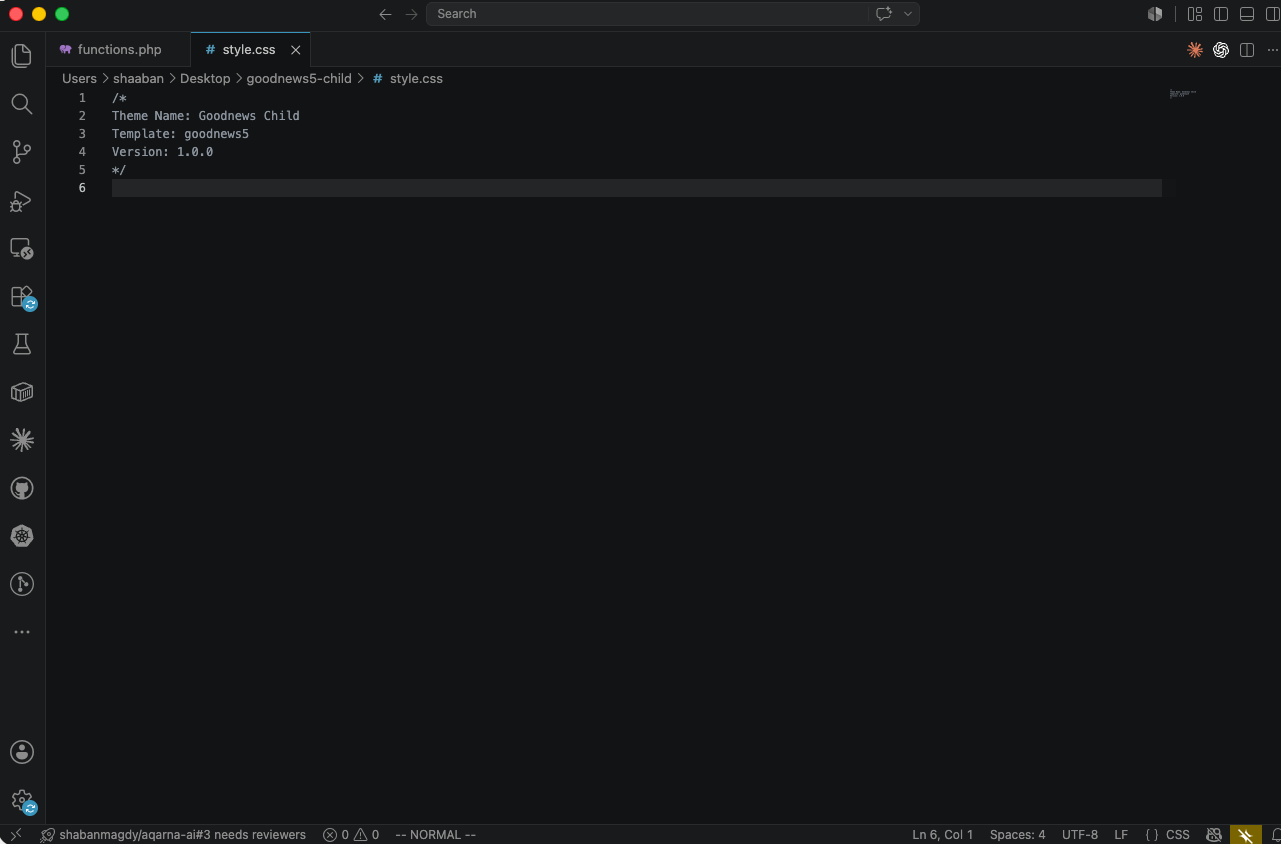
style.csswith this header:
/*
Theme Name: Goodnews Child
Template: goodnews5
Version: 1.0
*/
The Template line must be goodnews5 exactly — it is what tells WordPress which theme this is a child of.
- Create a second file named
functions.php. Load the parent theme's stylesheet before your own, so your rules can override it:
add_action('wp_enqueue_scripts', function () {
    wp_enqueue_style(
        'goodnews-parent-style',
        get_template_directory_uri() . '/style.css',
        [],
        wp_get_theme()->parent()->get('Version')
    );
    wp_enqueue_style(
        'goodnews-child-style',
        get_stylesheet_uri(),
        ['style', 'goodnews-parent-style']
    );
});
'style' is the handle the theme's own main stylesheet is registered under. Listing it as a dependency makes sure your child theme's rules load after it, so they can override it.
- Upload the
goodnews5-childfolder towp-content/themes/— the same placegoodnews5lives.
Activate it
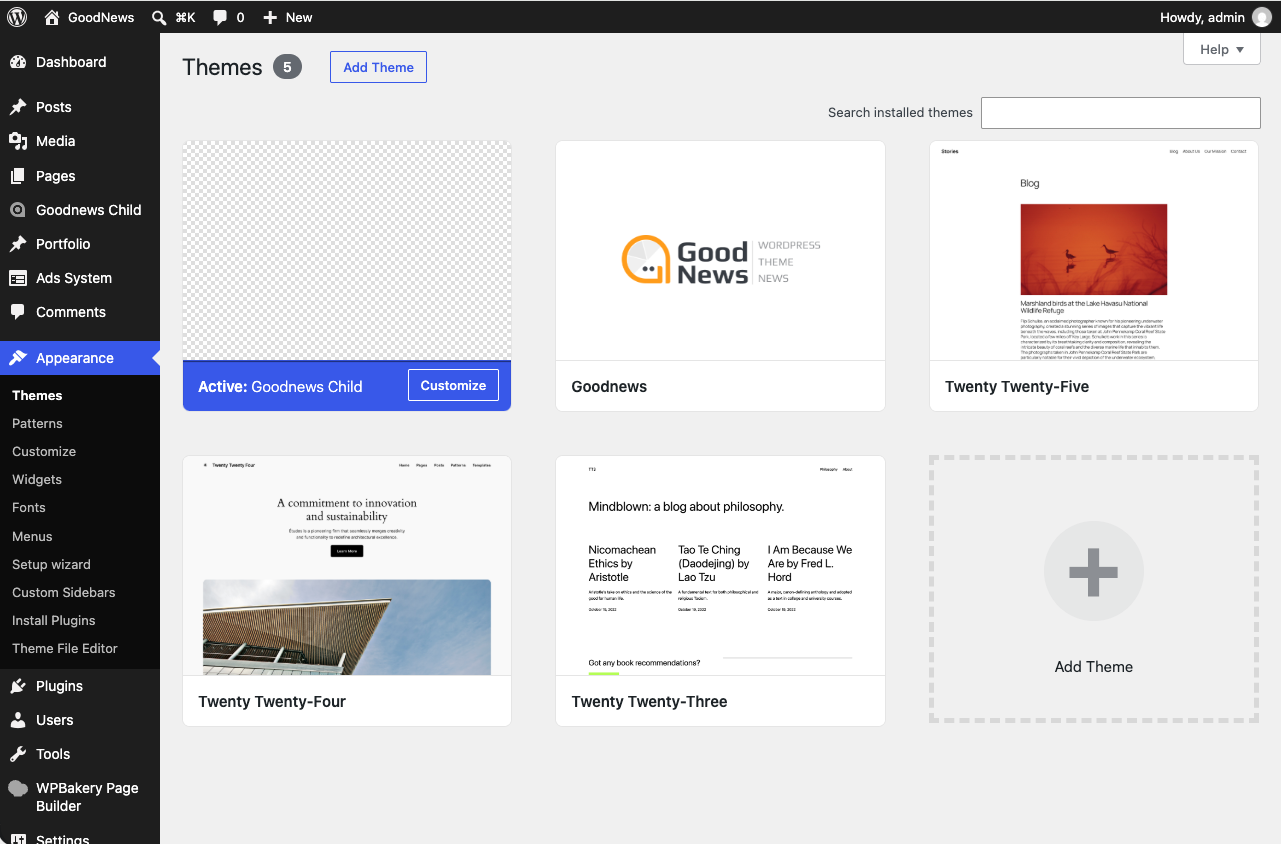
Go to Appearance → Themes and activate Goodnews Child. Your site looks exactly the same, because the child theme has not changed anything yet — it is now the active theme, and goodnews5 supplies everything the child does not override.
Overriding CSS
Add your rules to the child theme's style.css, below the header comment. They load after the parent's styles, so a rule with equal specificity wins:
.site-header {
  background-color: #111111;
}
Overriding a template file
To change a specific template — a single post layout, for example — copy the file from goodnews5 into goodnews5-child, keeping the exact same path. WordPress uses the child theme's copy instead of the parent's.
Adding PHP behavior
Add functions to your child theme's functions.php, using WordPress's hooks — add_action and add_filter — rather than editing the parent theme's files. This keeps your customizations in one place and out of the way of updates.