Header and menus
Configure the Goodnews header, the main navigation and the mega menu.
Goodnews's header — logo, top bar and main navigation — is configured in two places: the theme options panel for the header itself, and the WordPress menus screen for what appears in it.
Header settings
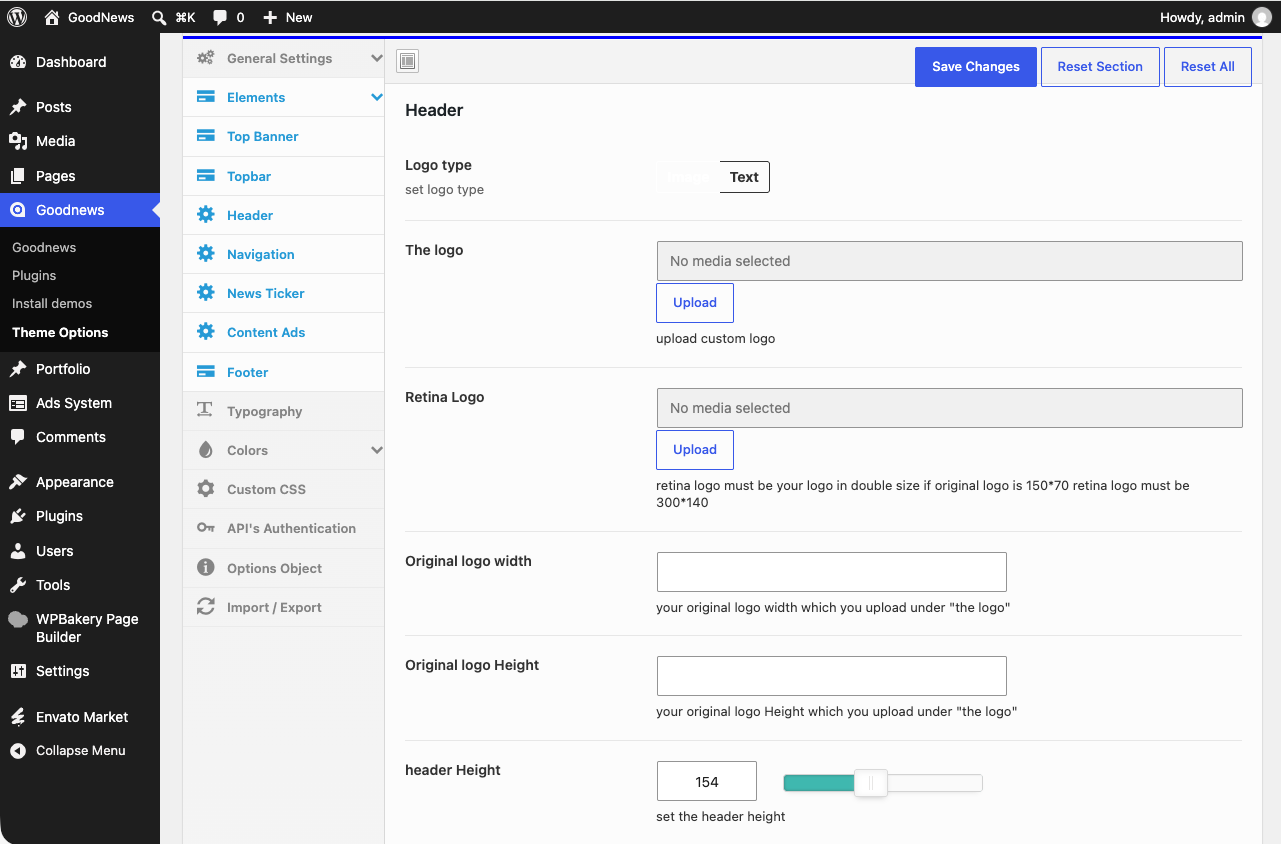
In Goodnews → Theme Options, the header section controls your logo, whether the top bar is shown, and the overall header layout.
Assigning menus
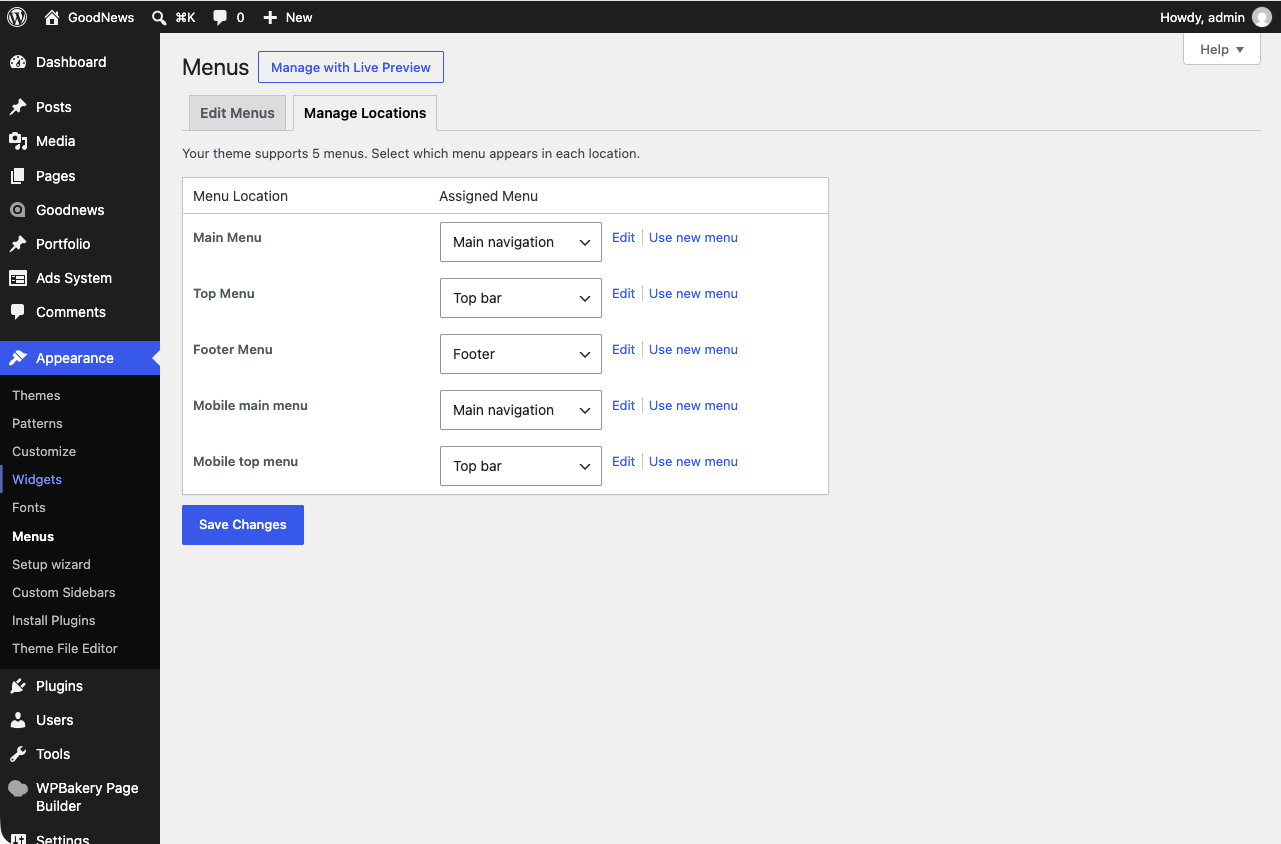
Goodnews defines five menu locations:
| Location | Where it appears |
|---|---|
| Main Menu | The primary navigation |
| Top Menu | The bar above the main header |
| Footer Menu | The site footer |
| Mobile main menu | The main menu on small screens |
| Mobile top menu | The top menu on small screens |
- Go to Appearance → Menus.
- Create or select a menu.
- Check the location(s) you want it assigned to.
- Save.
The mega menu
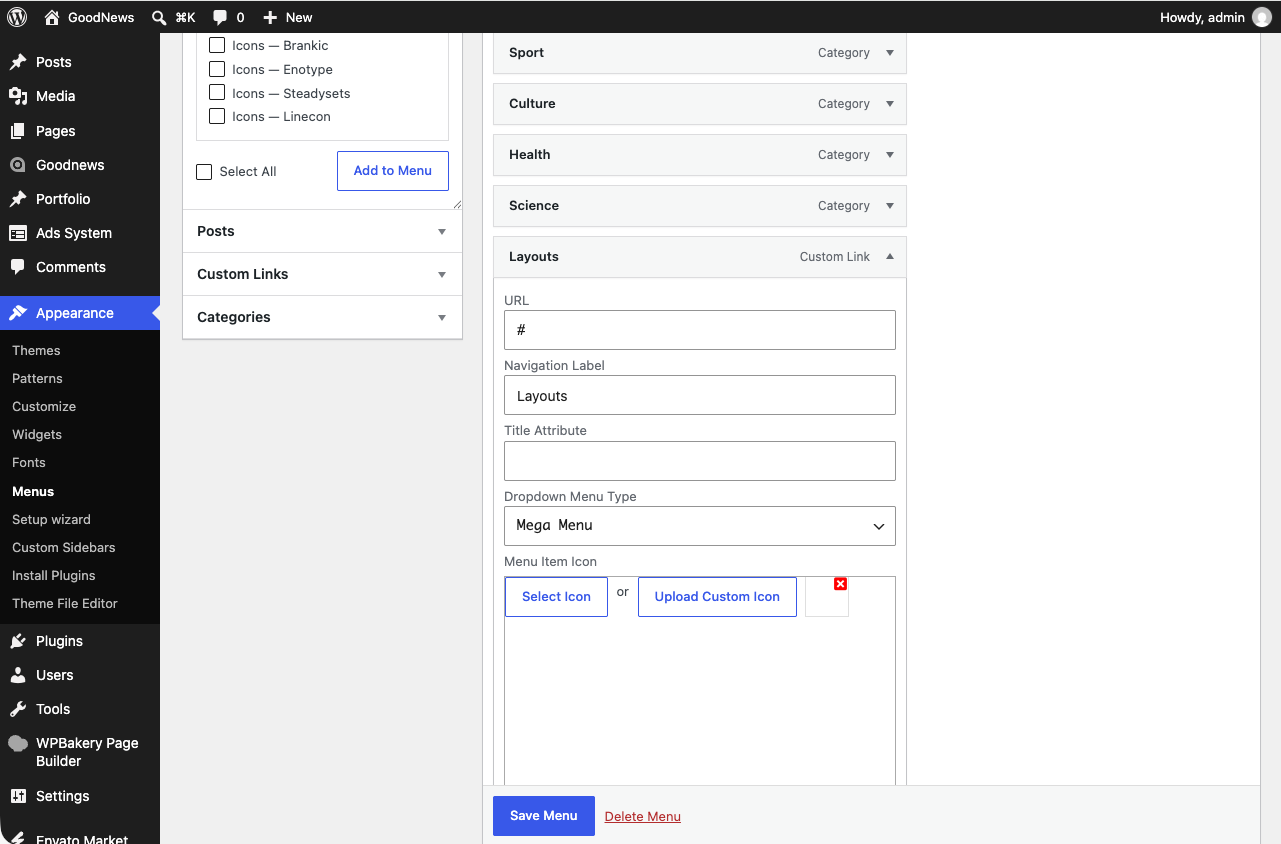
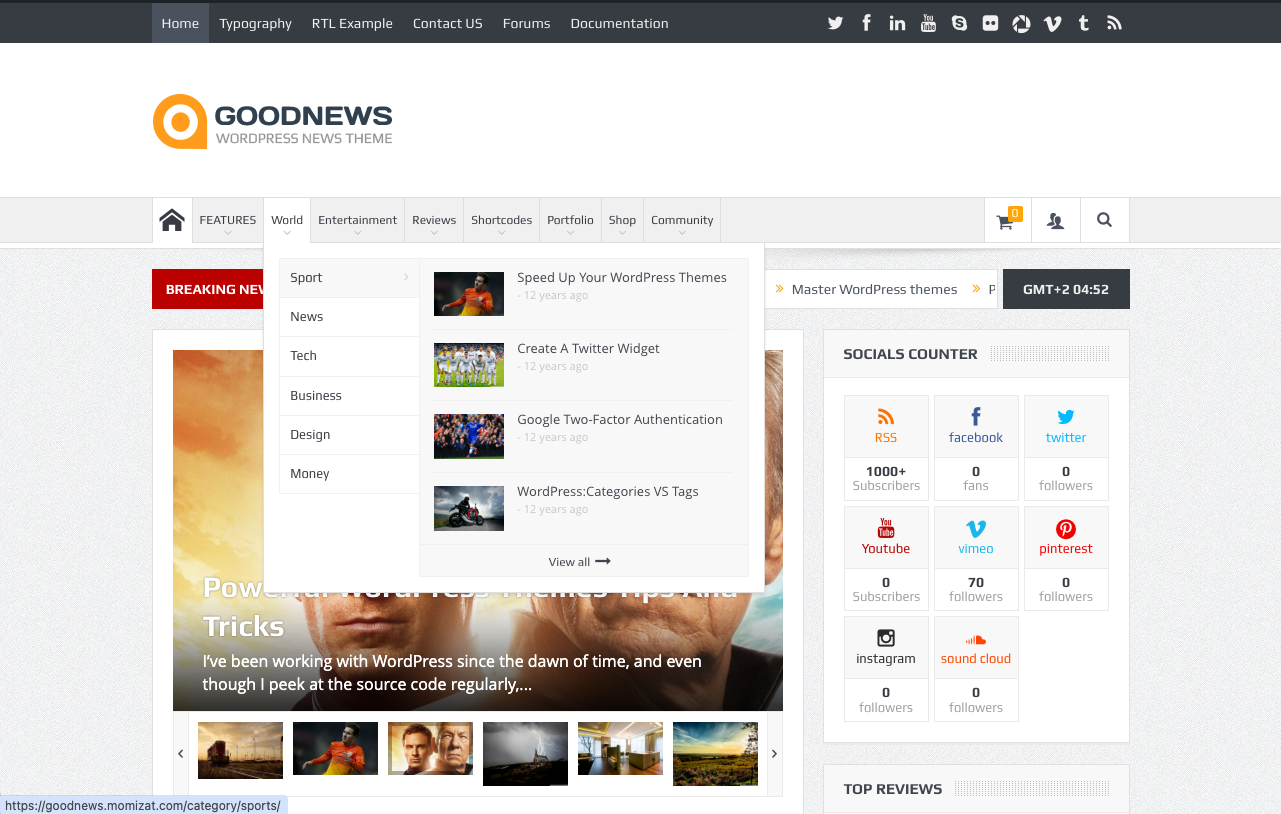
Each item in the Main Menu gains extra fields when you expand it in the menu editor: an icon, a display type — regular, dropdown, or mega menu — and, for mega menu items, a layout option and space for custom content.