
Installing the bundled plugins
Learn how to install and activate the bundled plugins documented with GoodNews, including Goodnews Core for Goodnews 5.12.0.
Goodnews bundles the plugins it needs inside the theme package. After you activate the theme, WordPress prompts you to install them.
The plugins
| Plugin | Status |
|---|---|
| WPBakery Page Builder | Required |
| Goodnews Shortcodes Editor | Required |
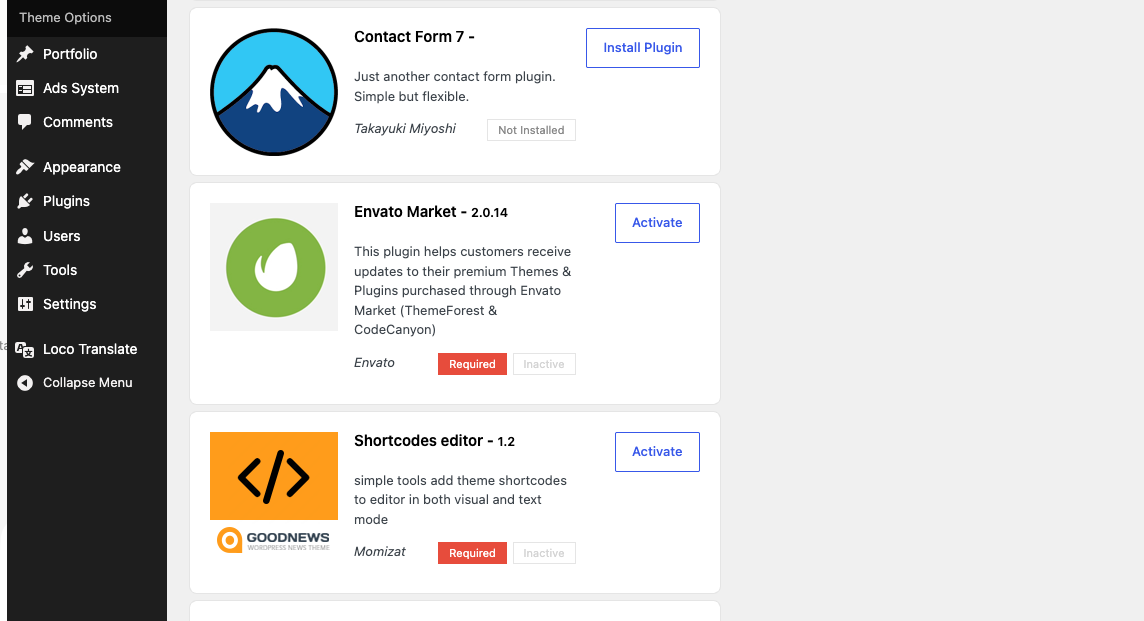
| Envato Market | Required |
| Slider Revolution | Recommended |
Required plugins are needed for the theme's shortcodes and page building to work correctly. Recommended plugins add optional features — Slider Revolution's slider is used on some layouts but the theme does not depend on it.
Contact Form 7 and bbPress are also offered, installed from wordpress.org rather than bundled with the theme, for sites that need a contact form or a forum.
Installing them
- After activating Goodnews, you'll see an admin notice listing the plugins the theme requires and recommends.
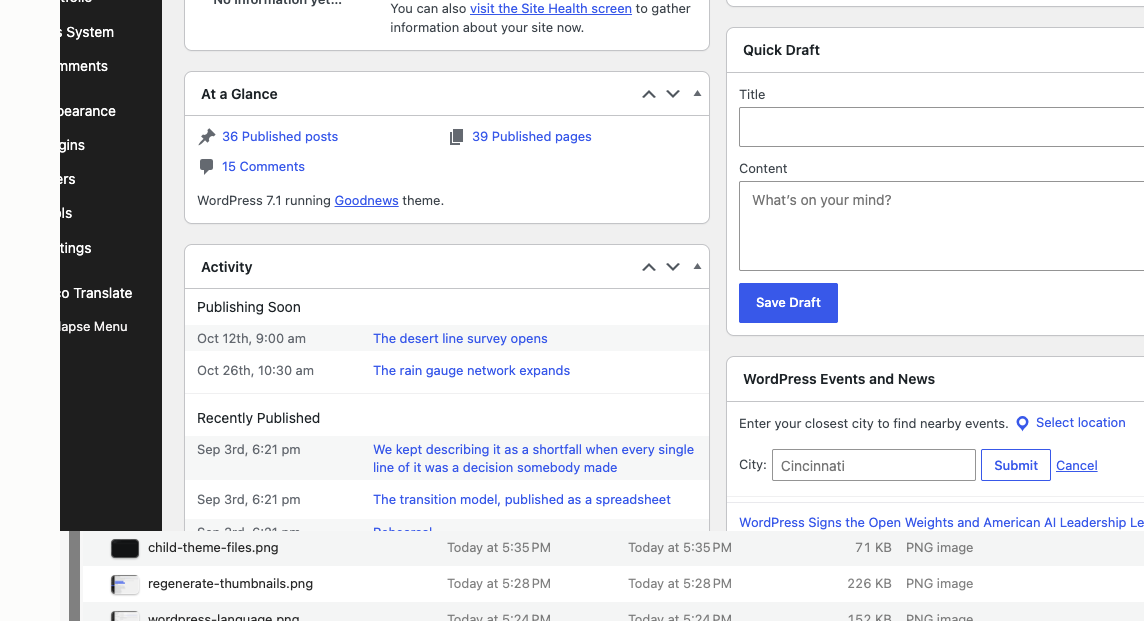
- Click through to Appearance → Install Plugins.
- Select the plugins you want and click Install.
- Once installed, activate each one.
Goodnews Core
If you are updating an existing site to Goodnews 5.12.0, install and activate Goodnews Core before visiting Appearance → Widgets. Widget placements may be lost otherwise.